Die Progressive Motion App ermöglicht dir die vollständige Fernsteuerung deiner linearen Bewegungssysteme mit nur wenigen Fingertipps. Passe Höhen an, speichere Positionen und mehr — alles bequem über dein Smartphone.
Warum unsere App?

Benutzerfreundlichkeit
Intuitives Design für einfache Navigation und Steuerung.

Erweiterte Funktionen
Umfassende Funktionen, die alle Ihre Anforderungen an Aktuatoren abdecken.
Anpassung
Passen Sie die App an Ihre spezifischen Anforderungen und Vorlieben an.

Nahtlose Steuerungsoberfläche
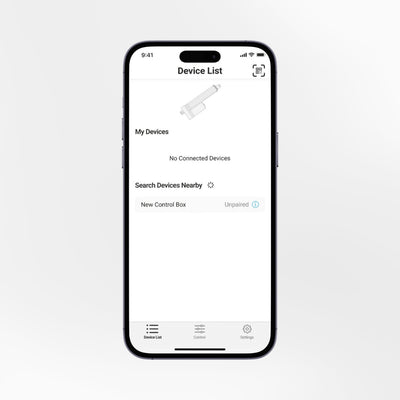
Die Progressive Motion App bietet eine übersichtliche, moderne Benutzeroberfläche, die alle Funktionen intuitiv zugänglich macht. Von schnellen Anpassungen bis hin zu detaillierten Steuerungseinstellungen – die App stellt sicher, dass Sie jederzeit Zugriff auf den vollen Funktionsumfang des Aktuators haben.

Benutzerfreundliche Navigation
Die App verfügt über ein benutzerfreundliches Tab-System am unteren Bildschirmrand. Über diese Oberfläche können Nutzer schnell auf Steuerelemente und Einstellungen zugreifen. Wechseln Sie mühelos zwischen mehreren Geräten und verwalten Sie diese alle über eine einzige App.
Support bei der Fehlerbehebung
Sollten Probleme auftreten, zeigt die App eine Fehlermeldung an, die Ihnen hilft, das Problem zu identifizieren und zu beheben. Ausführlichere Unterstützung finden Sie auf unserer Website unter „FLTCON-Fehlerbehebung“.
Hauptmerkmale
Aktuatoren und Hubsäulen lassen sich mühelos steuern.
Passen Sie die Höhe Ihres Setups ganz einfach an. Speichern und greifen Sie schnell auf vier Höheneinstellungen zu.
Steuern Sie die Aktuatoren entsprechend Ihren Anforderungen.
Mehrere FLTCON-Steuergeräte können innerhalb desselben Menüs gekoppelt und gesteuert werden.
- Legen Sie individuelle Minimal- und Maximalhöheneinstellungen für eine präzise Steuerung fest.
- Aktuatorbewegungsinformationen in Echtzeit anzeigen.
- Erhalten Sie Echtzeit-Updates für eine genaue Überwachung.
Setzen Sie Ihr Gerät oder die Einstellungen zurück, um etwaige Bedienungsfehler zu beheben.
Wählen Sie den Anzeigemodus (hell, dunkel oder automatisch) und wechseln Sie zwischen Zoll und Millimetern.
Verfügbar für Android- und iOS-Geräte.
Wir erheben und teilen keinerlei Daten aus der App mit Dritten.
So erhalten Sie die App
Die Progressive Motion App kann im App Store und bei Google Play heruntergeladen werden.


Bluetooth-Dongle
Der Bluetooth-Dongle RT-BT1 ist eine kompakte Lösung für mehr Komfort und nahtlose Steuerung mit der Progressive Motion App. Es ist keine Installation erforderlich — stecken Sie den Dongle einfach in die Steuerbox von Progressive Automations, koppeln Sie ihn mit Ihrem Smartphone und beginnen Sie sofort mit der Einstellung kompatibler Linearantriebe, Hubsäulen und Stehschreibtisch-Gestelle.
Kompatible Produkte
Die Progressive Motion App funktioniert mit den meisten FLTCON-Steuerboxen von Progressive Automations, die zum Betrieb kompatibler Linearantriebe, Hubsäulen und Stehschreibtisch-Gestelle verwendet werden.


Einrichtungsanleitung
Wichtig: Der Bluetooth-Dongle RT-BT1 ist erforderlich, um die App über die FLTCON-Steuerbox mit Ihrem Aktor oder Ihrer Hubsäule zu verbinden.
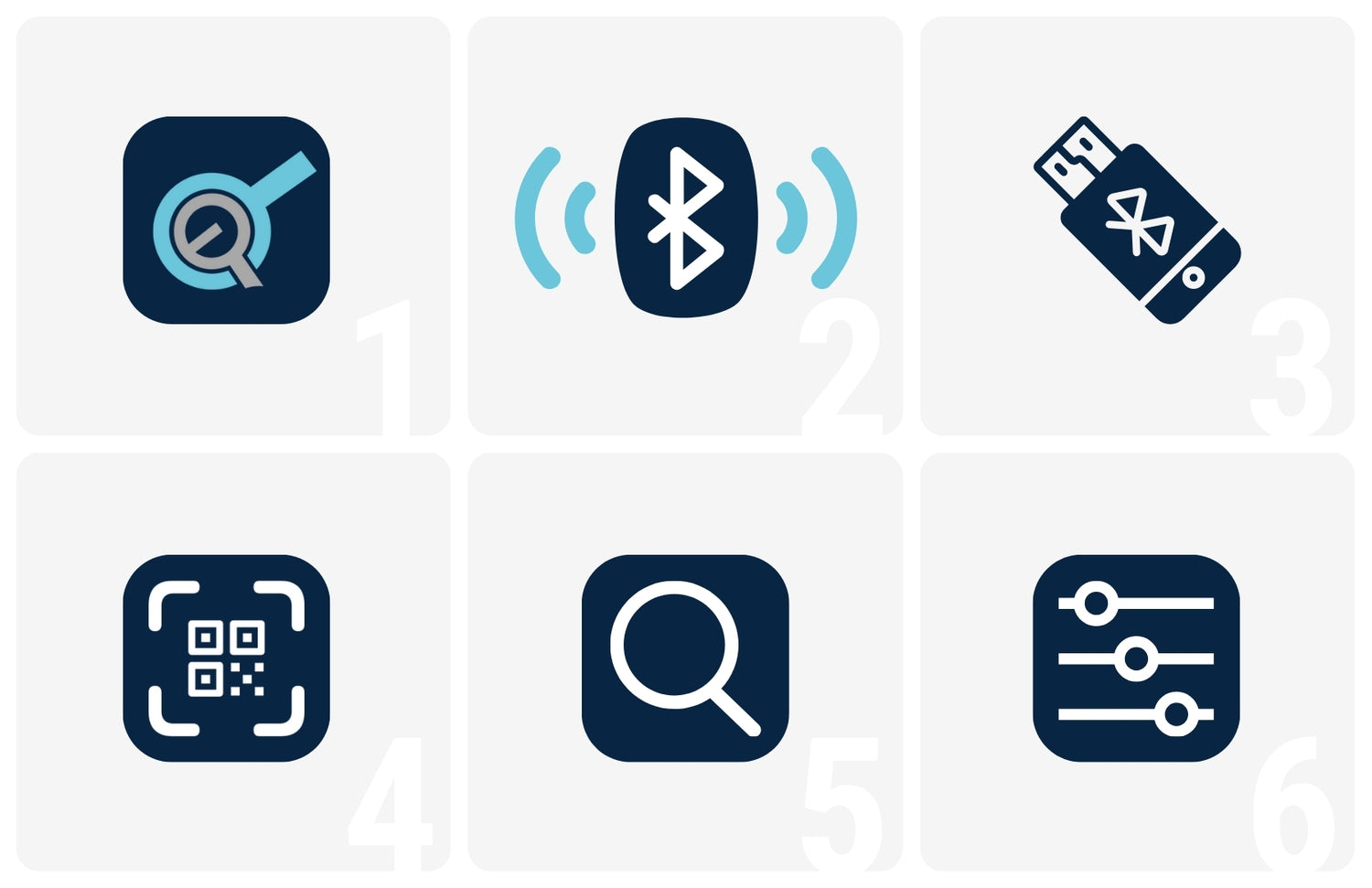
- Laden Sie die Progressive Motion App aus dem App Store oder von Google Play herunter.
- Schalten Sie Bluetooth auf Ihrem Smartphone ein.
- Stecken Sie den RT-BT1 Bluetooth-Dongle in die Steuereinheit.
- Scannen Sie den QR-Code auf dem Aufkleber des Dongles und Sie erhalten sofort einen Link, um Ihr Smartphone mit der Steuereinheit zu verbinden.
- Alternativ können Sie das Bluetooth-Gerät in der Geräteliste suchen, sobald es angeschlossen ist, um es einfach zu koppeln und zurückzusetzen.
- Sobald Sie alles eingerichtet haben, passen Sie Ihre bevorzugten Einstellungen an und steuern Sie Ihre gekoppelten Geräte über eine einfache, intuitive Benutzeroberfläche.