Aplikácia Progressive Motion vám poskytuje kompletné diaľkové ovládanie vašich lineárnych pohybových systémov len niekoľkými klepnutiami. Upravujte výšky, ukladajte polohy do pamäte a mnoho ďalšieho – to všetko pohodlne z vášho smartfónu.
Prečo si vybrať našu aplikáciu?

Jednoduchosť používania
Intuitive design for straightforward navigation and control.

Pokročilá funkcionalita
Comprehensive features that cover all your actuator needs.
Prispôsobenie
Tailor the app to fit your specific requirements and preferences.

Plynulé ovládacie rozhranie
The Progressive Motion app has a clean, modern interface that puts everything at your fingertips. From quick adjustments to more detailed control settings, the app ensures you always have access to the full range of actuator functions.

Používateľsky prívetivá navigácia
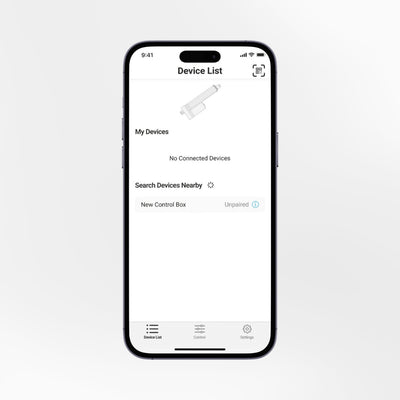
The app has an easy-to-navigate tab system located at the bottom of the screen. This interface allows users to quickly access controls and settings. Switch between multiple devices effortlessly and manage them all from a single app.
Podpora pri riešení problémov
If you experience any issues, the app will display an error message to help you identify and fix the problem. For more detailed support, refer to our website for FLTCON troubleshooting resources.
Kľúčové vlastnosti
Manage actuators and lifting columns with ease.
Easily adjust the height of your setup. Store and quickly access four height preferences.
Control the actuators as per your requirement.
Pair and control multiple FLTCON control boxes within the same menu.
- Set custom minimum and maximum height settings for tailored control.
- View real-time actuator movement information.
- Receive real-time updates for accurate monitoring.
Reset your device or settings to address any operational errors.
Choose light, dark, or auto display mode, and switch between inches or millimeters.
Available for both Android and iOS devices.
We neither collect nor share any data from the app with third parties
Ako získať aplikáciu
Aplikáciu Progressive Motion si môžete stiahnuť z App Store a Google Play.


Bluetooth adaptér
Ten/Tá/To Bluetooth adaptér RT-BT1 je kompaktné riešenie pre väčšie pohodlie a bezproblémové ovládanie pomocou aplikácie Progressive Motion. Nie je potrebná žiadna inštalácia – stačí zapojiť hardvérový kľúč do ovládacej skrinky Progressive Automations, spárovať ho so smartfónom a okamžite začať nastavovať kompatibilné lineárne aktuátory, zdvíhacie stĺpy a rámy stojacich stolov.
Kompatibilné produkty
Aplikácia Progressive Motion funguje s väčšinou ovládacích skríň FLTCON od spoločnosti Progressive Automations, ktoré sa používajú na ovládanie kompatibilných lineárnych aktuátorov, zdvíhacích stĺpikov a rámov stojacich stolov.
Set-up Guide
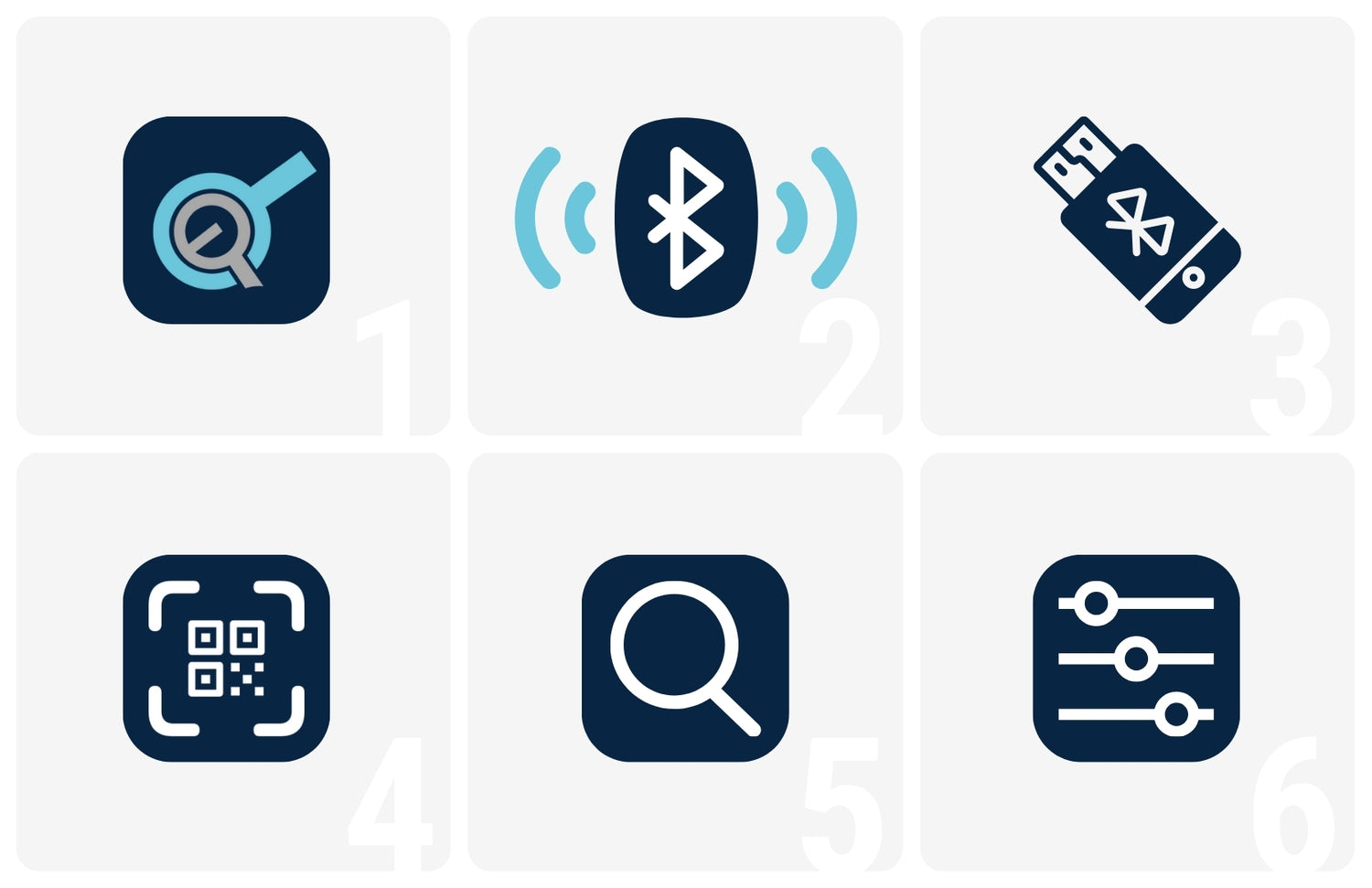
Important: The Bluetooth dongle RT-BT1 is required to connect the app to your actuator or lifting column via the FLTCON control box.
- Download the Progressive motion app from the App Store or Google Play.
- Turn on Bluetooth on your smartphone.
- Plug the RT-BT1 Bluetooth dongle into the control box.
- Scan the QR code on the dongle’s sticker and get an instant link to connect your smartphone to the control box.
- Alternatively, you can look for the Bluetooth device on the Device List when it gets plugged in for easy pairing and resets.
- Once you’re all set, adjust your preferred settings and start controlling your paired devices with a simple, intuitive interface.