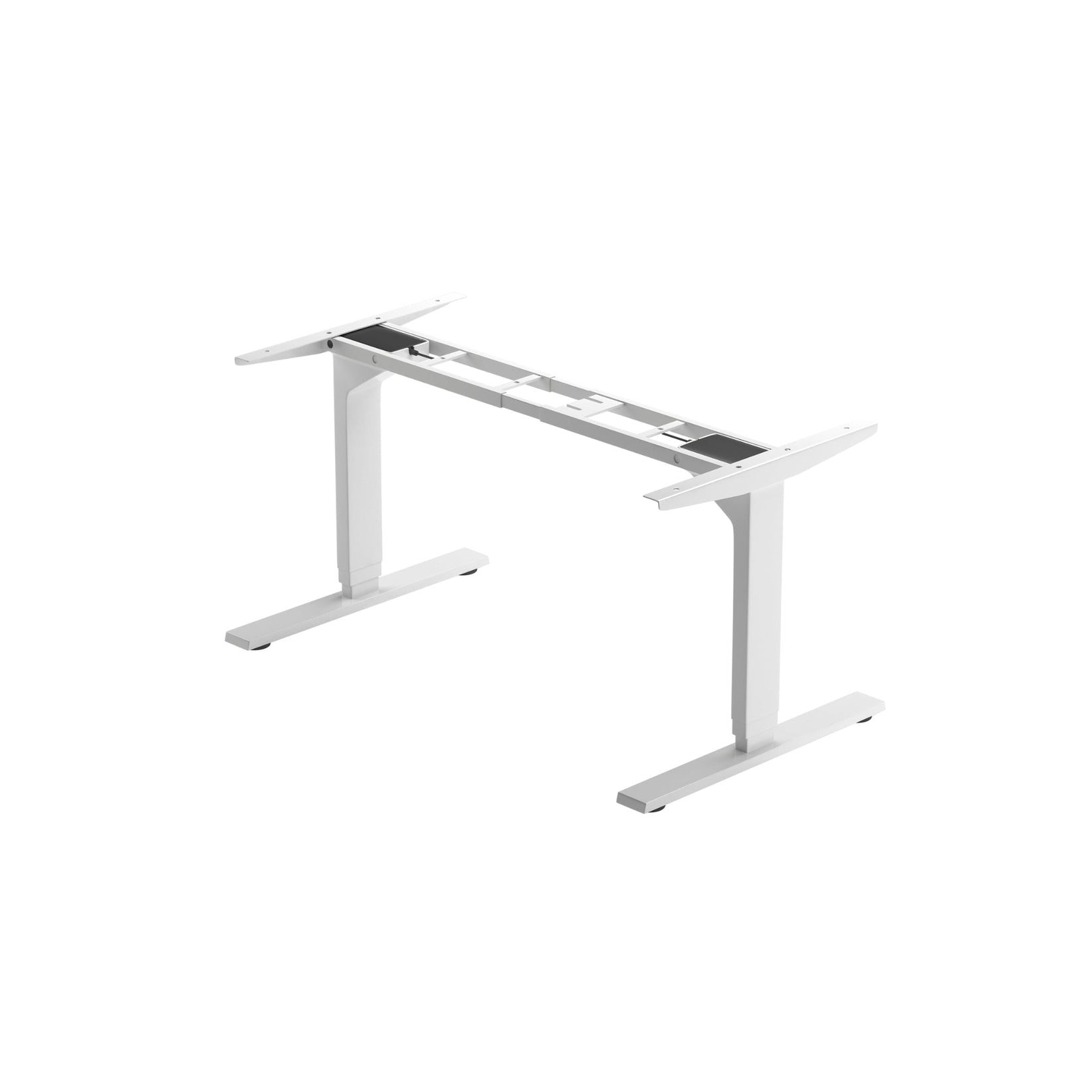
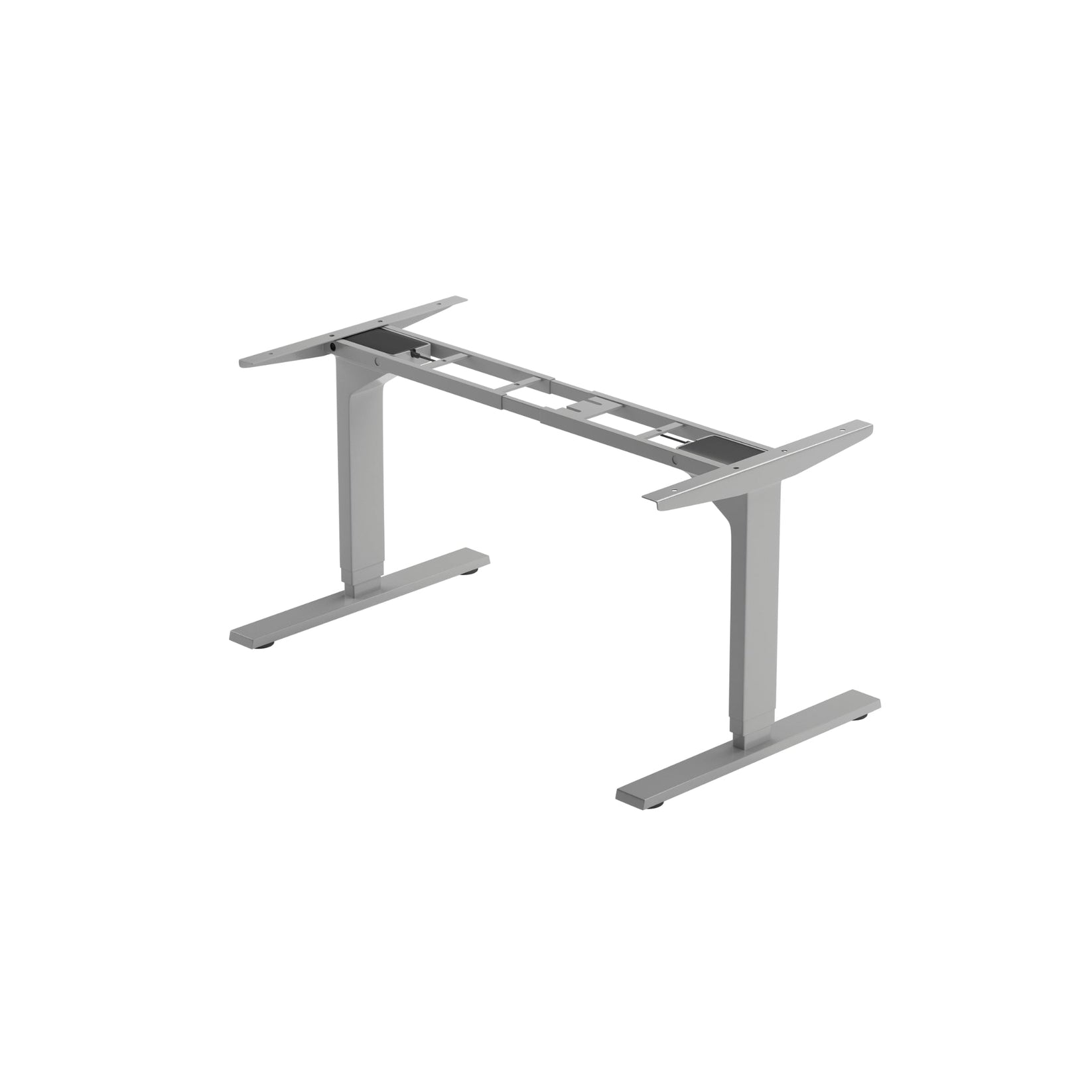
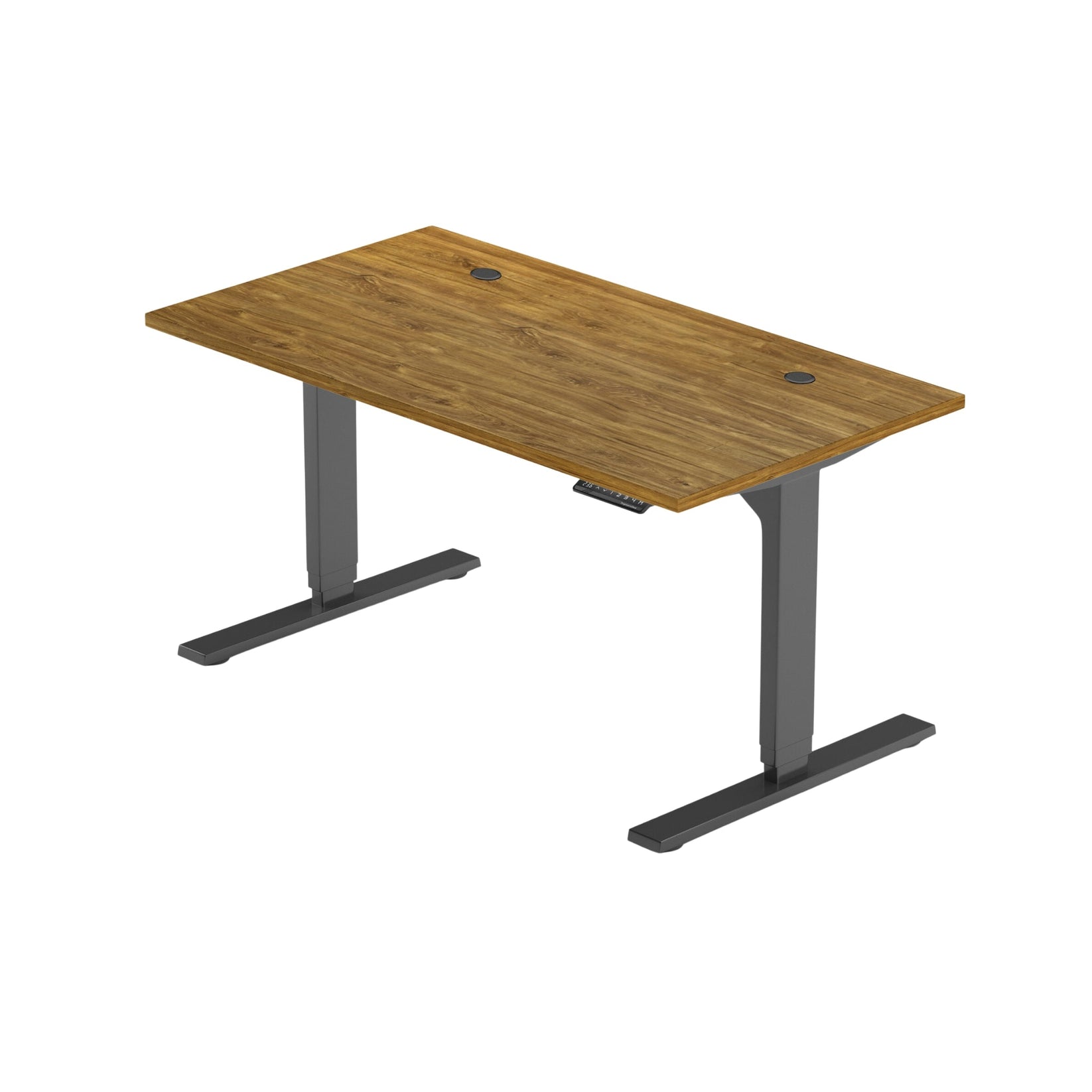
Solo Ryzer Frame - Élévateur de table double - 270 lb - Divers coloris
Solo Ryzer Frame - Élévateur de table double - 270 lb - Divers coloris
Modèle: FLT-02
Impossible de charger la disponibilité du retrait
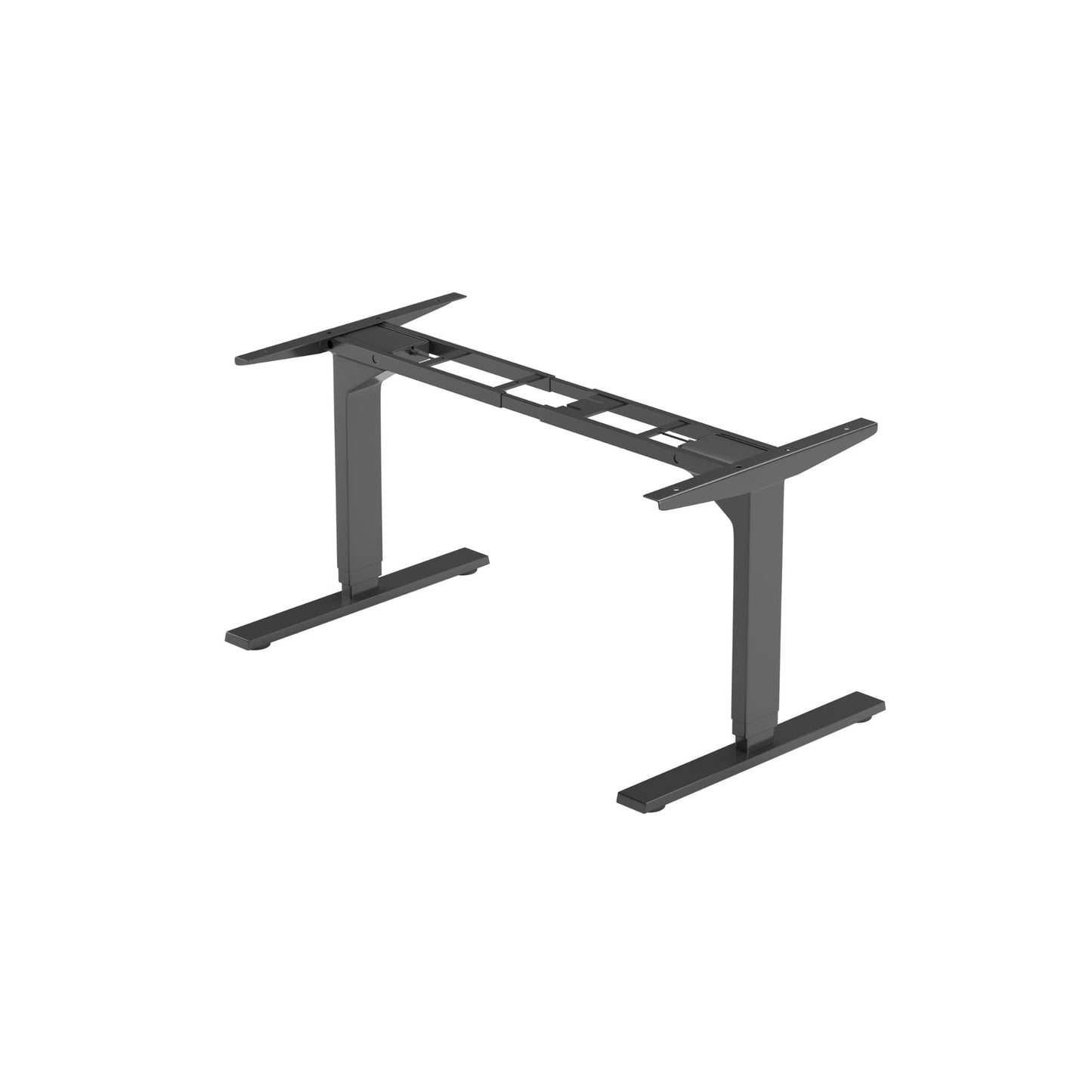
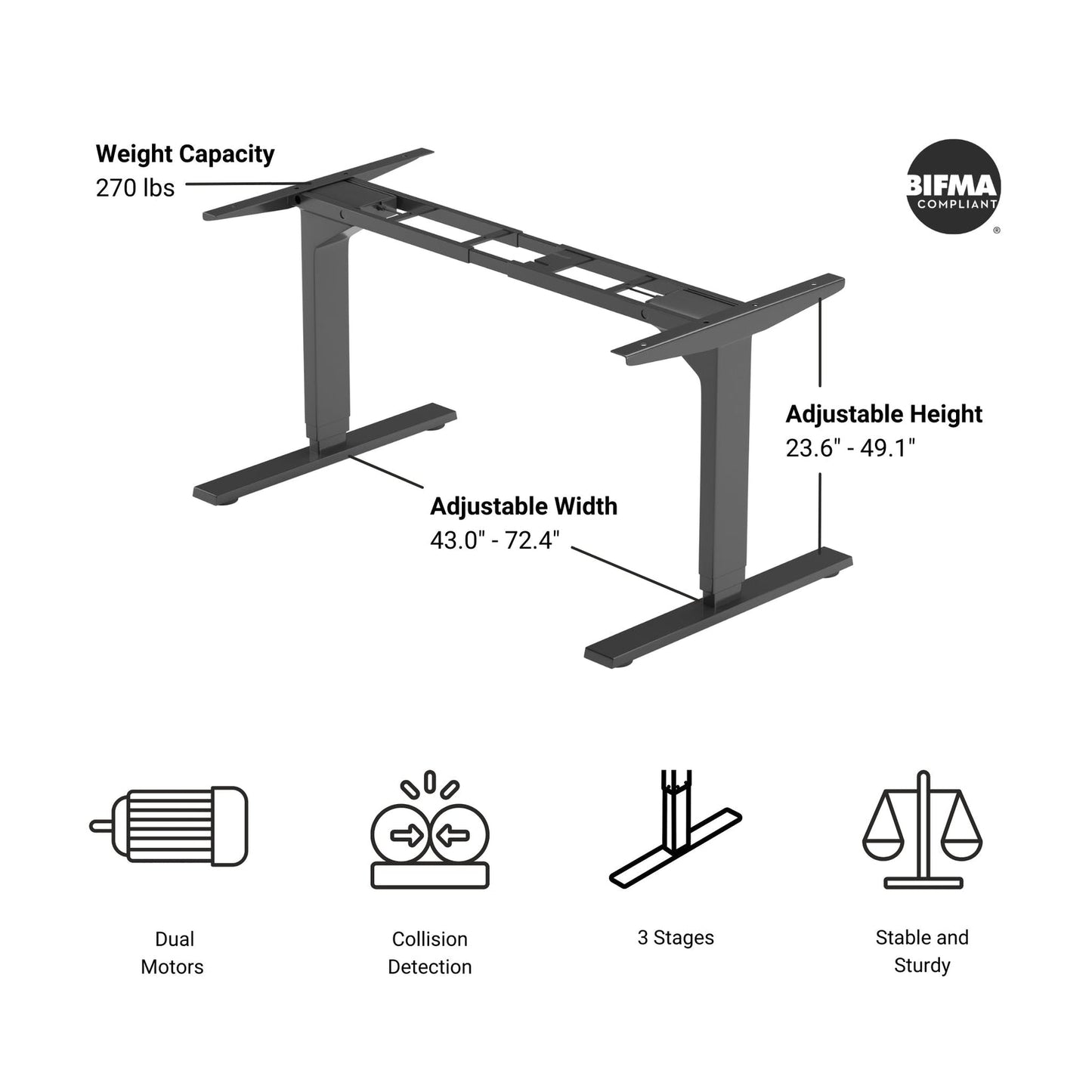
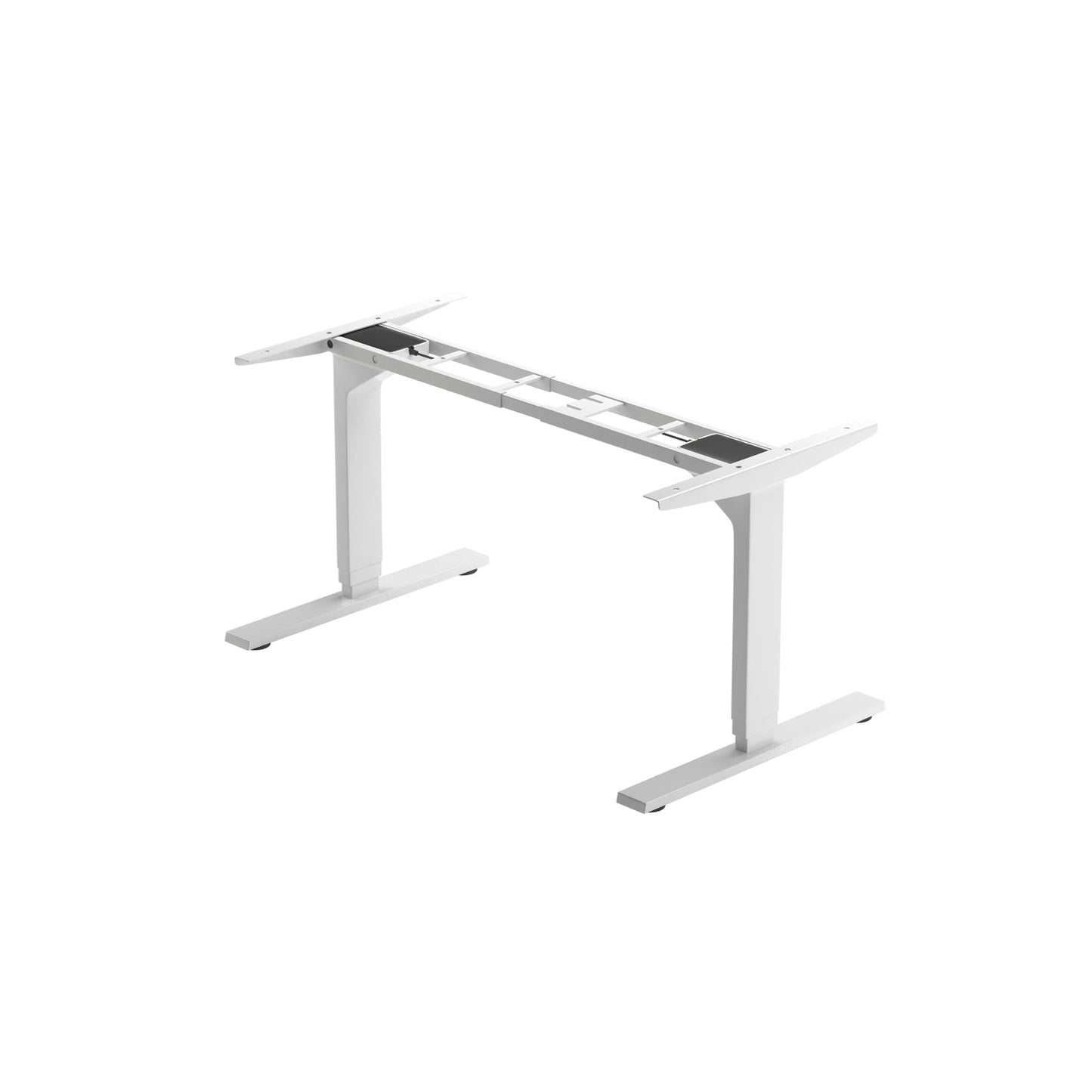
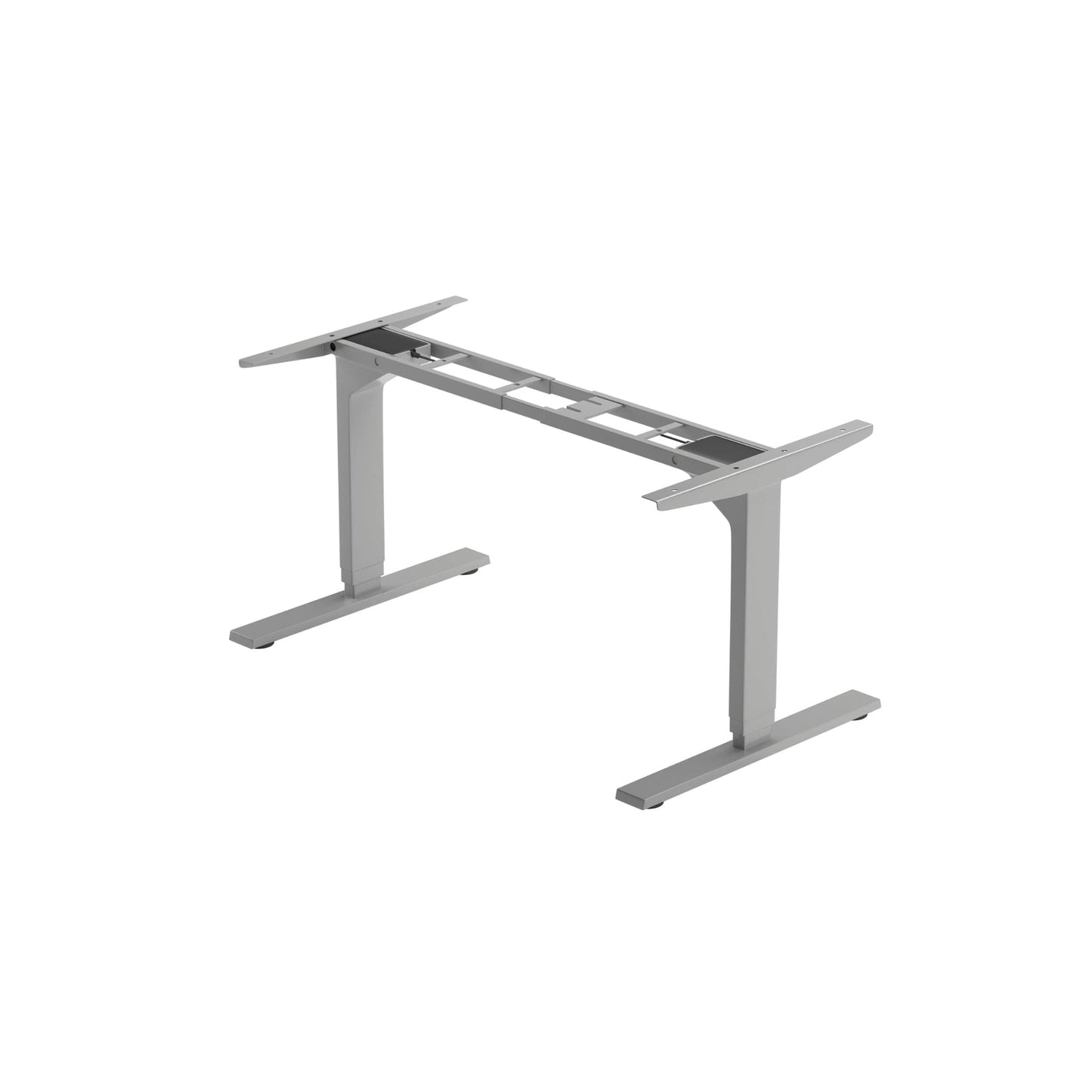
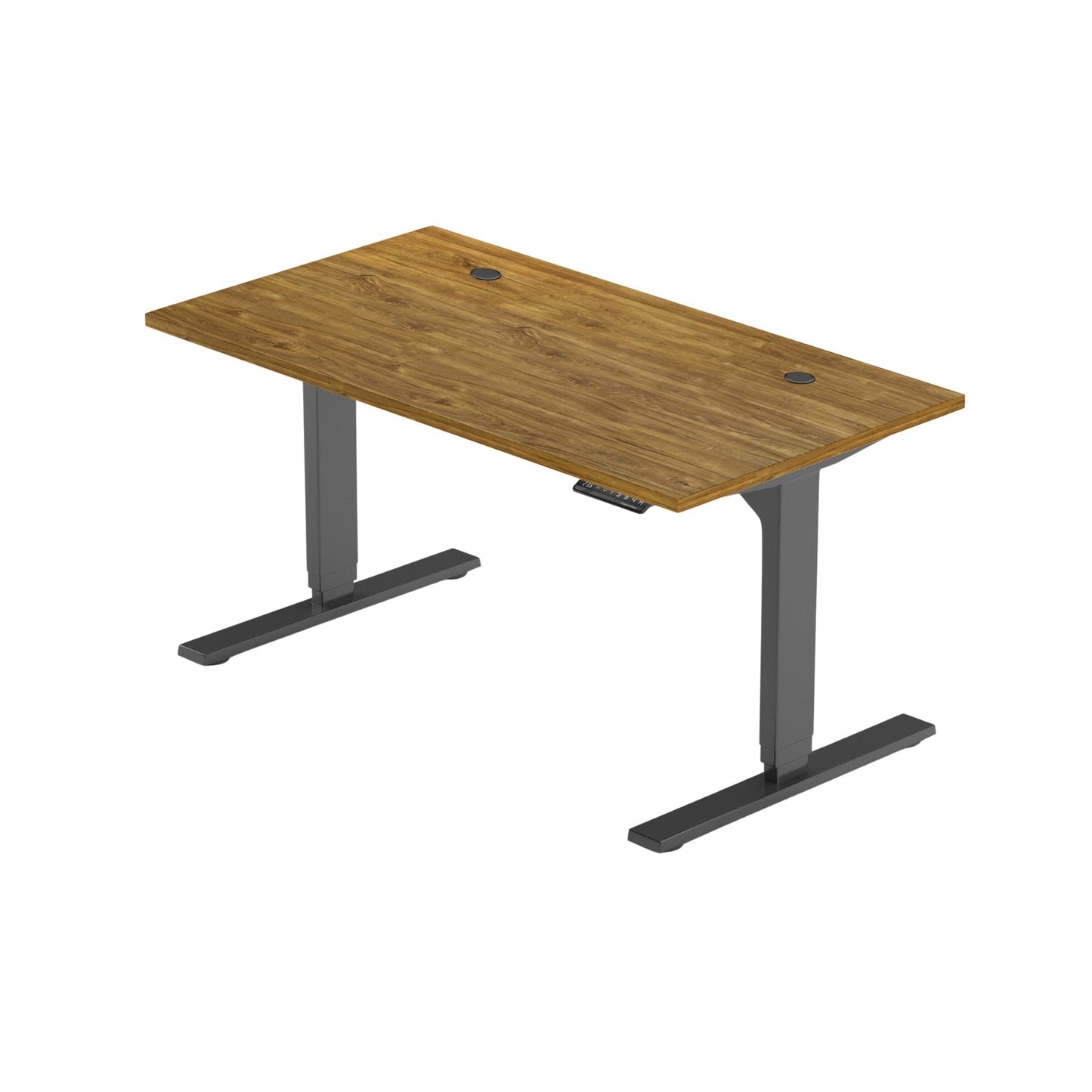
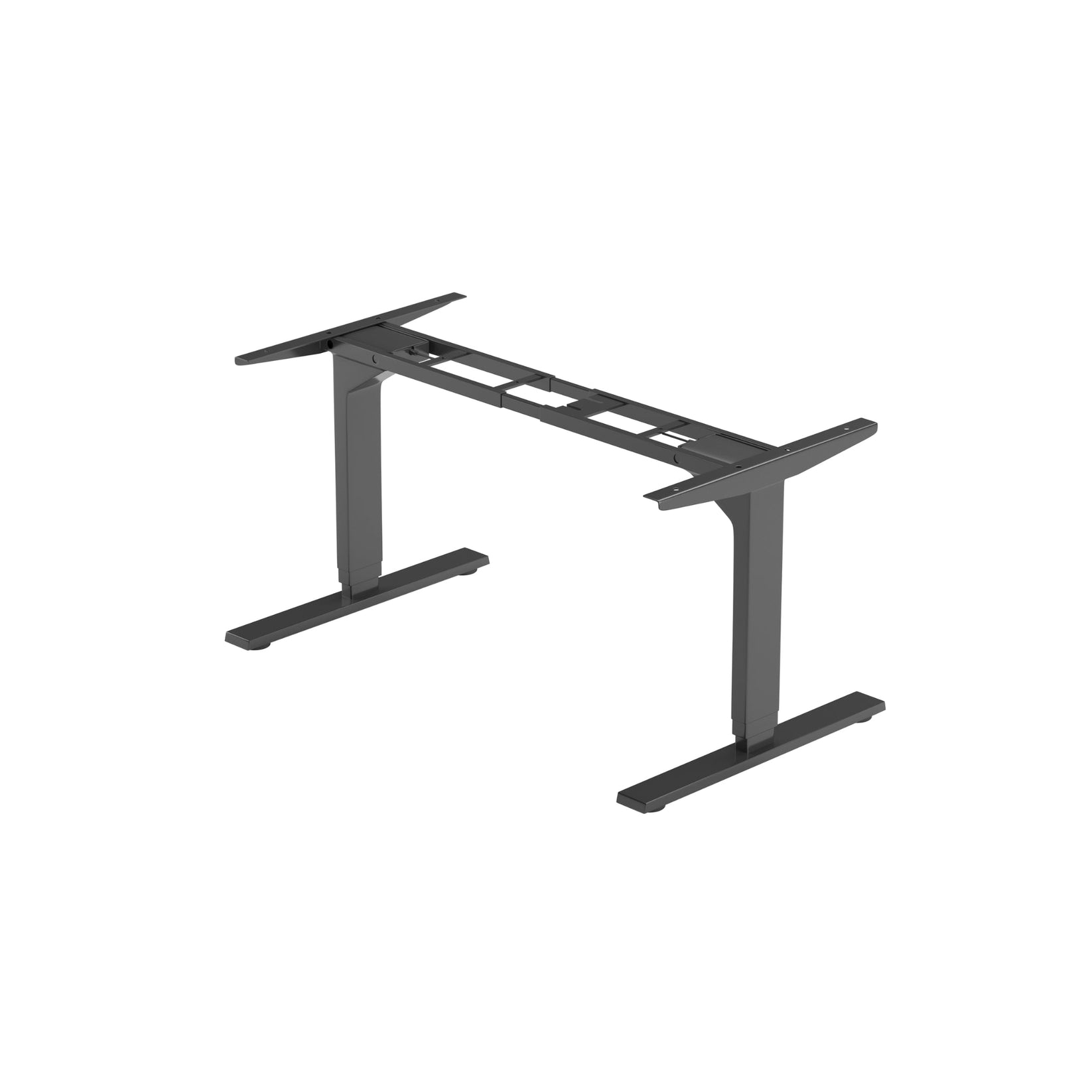
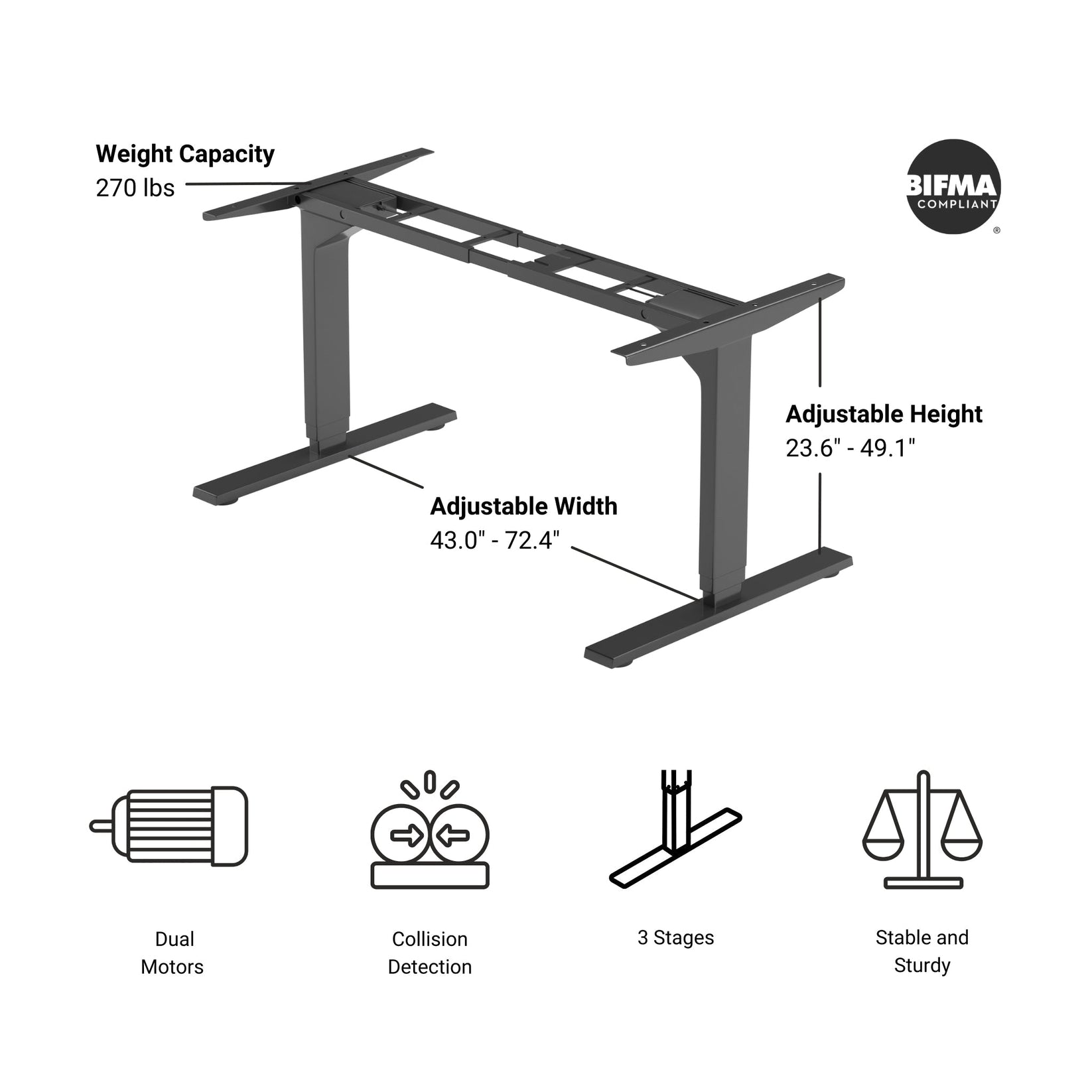
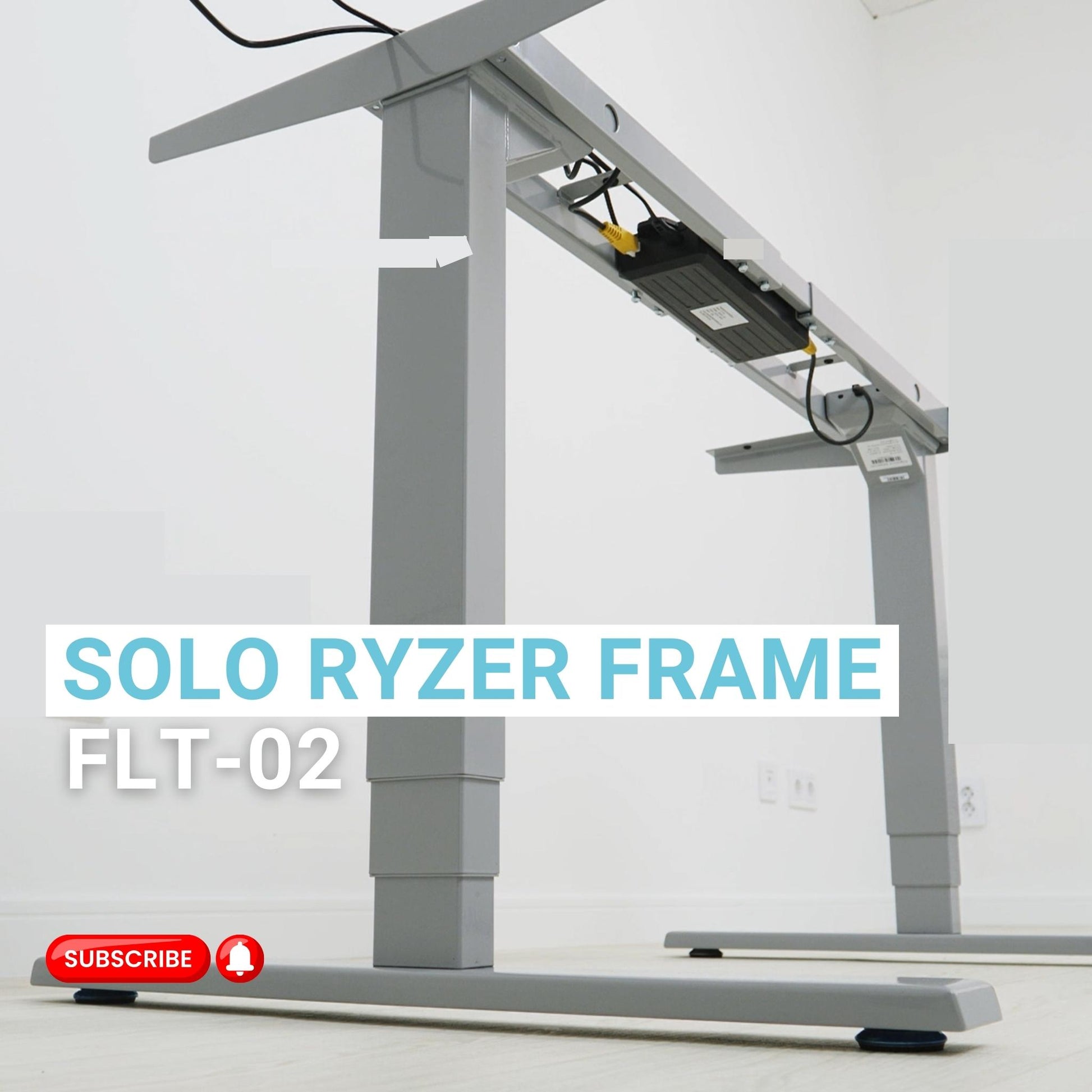
Le FLT-02 Cadre Solo Ryzer est un système de levage synchronisé à deux jambes conçu pour la précision et la fiabilité dans les applications de postes de travail. Ce système cadre de bureau réglable offre une plage de hauteurs allant de 23,6 à 49,1 pouces et une plage de largeurs allant de 43,0 à 72,4 pouces, ce qui permet de s'adapter à diverses tailles de tables. Le système à double moteur permet de régler la hauteur à une vitesse de 1,57" par seconde.
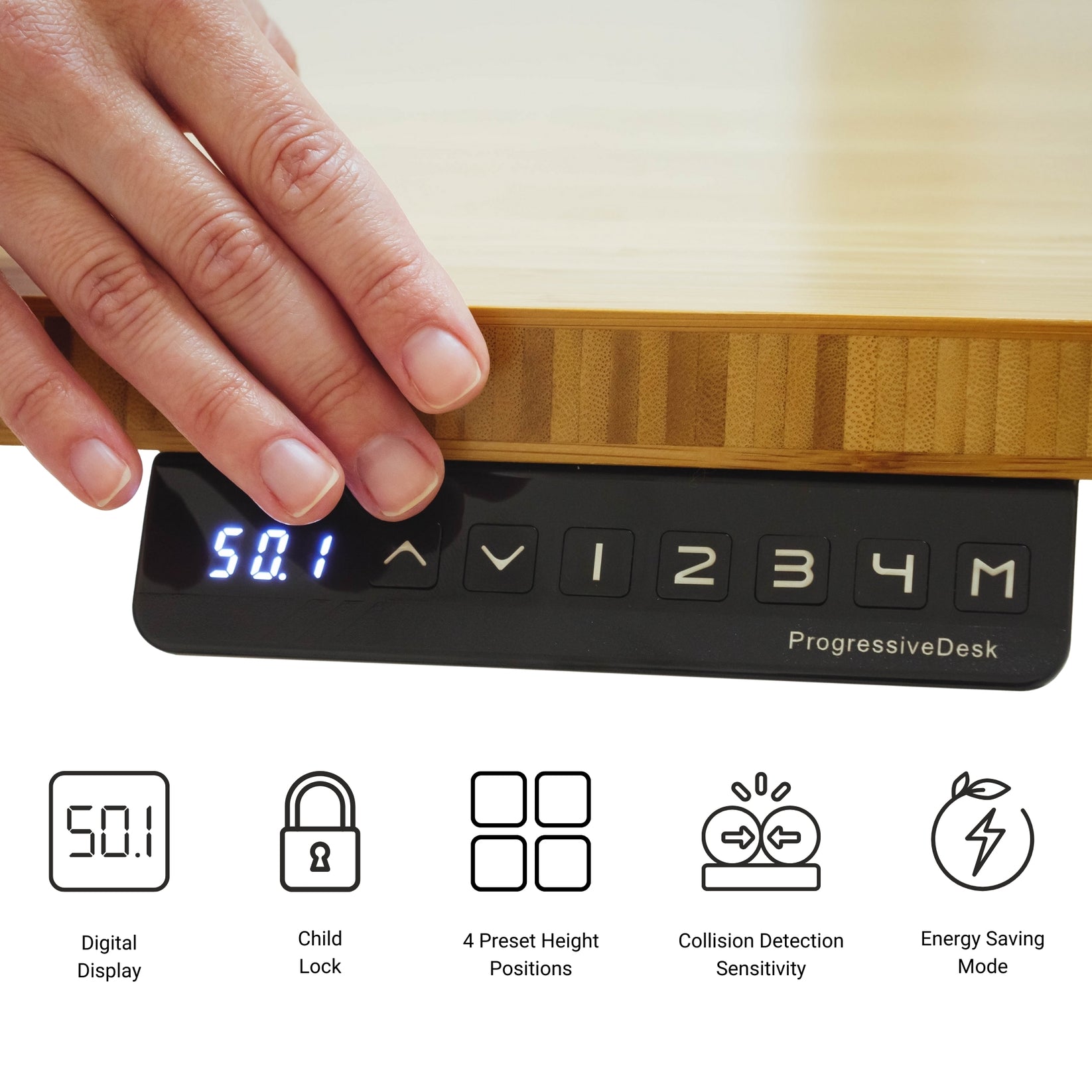
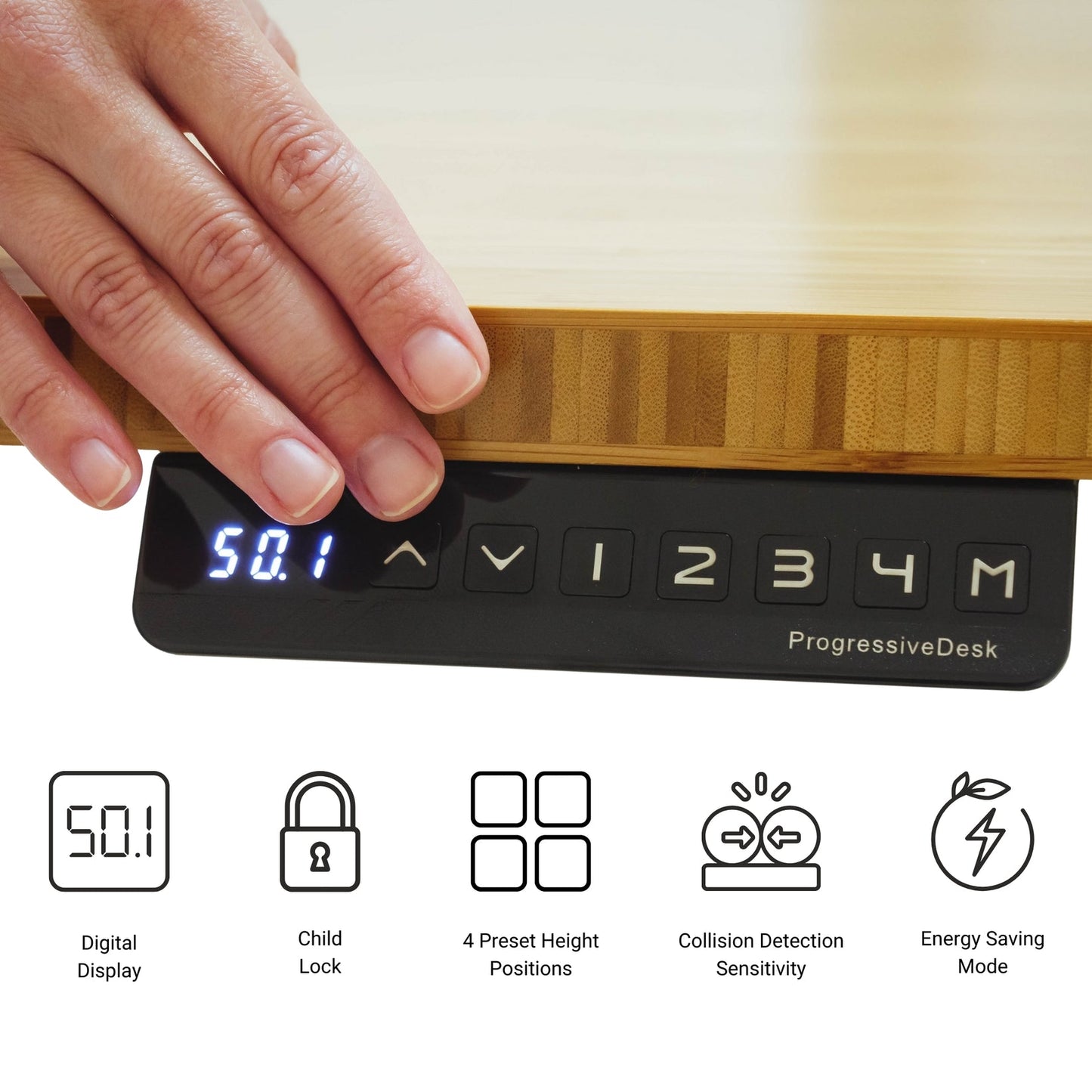
Le cadre est construit en acier de haute qualité et supporte un poids de 270 livres. Le bruit de fonctionnement est inférieur à 45 dB. Les autres caractéristiques comprennent une sécurité enfant, un mode d'économie d'énergie et une fonction de démarrage et d'arrêt progressifs, garantissant ainsi une utilisation optimale de l'appareil. stabilité du bureau. Les principales caractéristiques de sécurité sont les suivantes détection des collisions, qui arrête le mouvement en cas de détection d'un obstacle.
Les composants inclus sont un boîtier de commande et une télécommande avec paramètres programmables pour quatre positions de mémoire et un port de charge USB. Des colliers de serrage autocollants sont fournis pour la gestion des câbles.
Désormais, vous pouvez débloquer le contrôle sans fil pour votre cadre FLT-02 avec le Dongle Bluetooth RT-BT1. Il suffit de le brancher et de le connecter au Application de mouvement progressif sur votre appareil Android ou iOS pour un fonctionnement à distance sans effort - directement depuis votre smartphone.
L'installation est efficace grâce aux instructions détaillées, étape par étape, fournies dans le manuel de l'utilisateur. Manuel d'utilisation en PDF.
Options personnalisées
Vous cherchez un actionneur mais les spécifications ne correspondent pas exactement à vos besoins ? Nous disposons d’une vaste liste de possibilités de personnalisation pour vous garantir exactement ce qu’il vous faut pour votre projet. Téléchargez la fiche technique de ce produit et découvrez-en plus sur vos options de personnalisation !
Le FLT-02 Cadre Solo Ryzer est un système de levage synchronisé à deux jambes conçu pour la précision et la fiabilité dans les applications de postes de travail. Ce système cadre de bureau réglable offre une plage de hauteurs allant de 23,6 à 49,1 pouces et une plage de largeurs allant de 43,0 à 72,4 pouces, ce qui permet de s'adapter à diverses tailles de tables. Le système à double moteur permet de régler la hauteur à une vitesse de 1,57" par seconde.
Le cadre est construit en acier de haute qualité et supporte un poids de 270 livres. Le bruit de fonctionnement est inférieur à 45 dB. Les autres caractéristiques comprennent une sécurité enfant, un mode d'économie d'énergie et une fonction de démarrage et d'arrêt progressifs, garantissant ainsi une utilisation optimale de l'appareil. stabilité du bureau. Les principales caractéristiques de sécurité sont les suivantes détection des collisions, qui arrête le mouvement en cas de détection d'un obstacle.
Les composants inclus sont un boîtier de commande et une télécommande avec paramètres programmables pour quatre positions de mémoire et un port de charge USB. Des colliers de serrage autocollants sont fournis pour la gestion des câbles.
Désormais, vous pouvez débloquer le contrôle sans fil pour votre cadre FLT-02 avec le Dongle Bluetooth RT-BT1. Il suffit de le brancher et de le connecter au Application de mouvement progressif sur votre appareil Android ou iOS pour un fonctionnement à distance sans effort - directement depuis votre smartphone.
L'installation est efficace grâce aux instructions détaillées, étape par étape, fournies dans le manuel de l'utilisateur. Manuel d'utilisation en PDF.
Options personnalisées
Vous cherchez un actionneur mais les spécifications ne correspondent pas exactement à vos besoins ? Nous disposons d’une vaste liste de possibilités de personnalisation pour vous garantir exactement ce qu’il vous faut pour votre projet. Téléchargez la fiche technique de ce produit et découvrez-en plus sur vos options de personnalisation !
| Système de motorisation | Double |
| Segments de colonne | 3 |
| Finition de surface | Revêtement par poudre |
| Accessoires inclus | Télécommande filaire avec charge USB 5 V, attaches-câbles autocollantes |
| Capacité de charge | 270 lbs |
| Hauteur du châssis | 23.6" - 49.1" |
| Largeur du châssis | 39.6" - 74.0" |
| Vitesse à vide | 1.57"/sec |
| Niveau de bruit | < 45dB |
| Tension d'entrée | 120VAC, 60Hz |
| Longueur du pied | 27.5" |
| Indice de protection (IP) | IP51 pour les pieds et IP20 pour le contrôleur |
| Pieds réglables | Oui |
| Détection de collision | Oui |
| Démarrage & arrêt progressifs | Oui |
| Fonctions de la télécommande | Programmez jusqu'à 4 positions préréglées |
| Nombre d'options de télécommande | Télécommandes |
| Cycle de service | 10% (2 minutes en marche, 18 minutes à l'arrêt) |
| Poids | 65.0 lbs |
| Certifications | BIFMA |
| Garantie | 96 mois |
Suivre un ensemble de normes est essentiel pour que les entreprises s’assurent que leurs produits et services atteignent un niveau de qualité favorisant la satisfaction client. Chez Progressive Automations, nous visons l’excellence pour nos clients et nous nous efforçons d’apporter des améliorations continues. C’est pourquoi nous sommes ravis d’annoncer que Progressive Automations est désormais certifié ISO 9001:2015 !
Une qualité digne de confiance – En savoir plusFiches techniques
FLT-02 Manuel d'utilisation
Nous ne pouvons pas garantir que nos télécommandes fonctionneront avec des systèmes de commande tiers. Le brochage des ports peut varier d’une entreprise à l’autre.
Oui, le bureau assis‑debout en L est facile à orienter et peut être installé selon votre préférence. Voici un article étape par étape qui explique comment procéder : Manuel d’utilisation FLT-05
REMARQUE : Les étapes ci‑dessous peuvent varier selon le modèle de télécommande que vous possédez. Les instructions suivantes concernent la télécommande standard RT‑11. Pour définir la hauteur maximale de votre châssis, amenez‑le à la hauteur souhaitée puis suivez les étapes ci‑dessous :
- Appuyez sur M et vérifiez que [5 -] apparaît à l’affichage
- Appuyez sur la touche UP et constatez que [5 -] clignote
- Maintenez la touche M enfoncée jusqu’à ce que [999] s’affiche
- La hauteur maximale est maintenant définie
Pour définir la hauteur minimale de votre châssis, amenez‑le à la hauteur souhaitée puis suivez les étapes ci‑dessous :
- Appuyez sur M et vérifiez que [5 -] apparaît à l’affichage
- Appuyez sur la touche DOWN et constatez que [5 -] clignote
- Maintenez la touche M enfoncée jusqu’à ce que [000] s’affiche
- La hauteur minimale est maintenant définie
Pour réinitialiser les limites, suivez les étapes ci‑dessous :
- Appuyez sur M jusqu’à ce que [5 -] s’affiche, puis relâchez
- Maintenez la touche M enfoncée jusqu’à ce que [555] s’affiche
- Les limites ont été réinitialisées
REMARQUE : Les étapes ci‑dessous peuvent varier selon le modèle de télécommande que vous possédez. Les instructions suivantes concernent la télécommande standard RT‑11.
Si vous devez maintenir les boutons de la télécommande enfoncés pour atteindre votre hauteur préréglée, cela signifie que votre boîtier de commande est en mode momentané. Pour passer votre télécommande en mode non momentané, suivez les étapes ci‑dessous
- Assurez‑vous qu’il n’y a rien sous votre bureau, car nous devons entrer en procédure de réinitialisation
- Appuyez et maintenez la touche DOWN jusqu’à ce que l’affichage montre [ASr]
- Une fois [ASr] affiché, appuyez et maintenez la touche [1] ; vous pouvez voir deux valeurs : a. 10.1 = Mode non momentané b. 10.2 = Mode momentané
- Terminez la procédure de réinitialisation en maintenant la touche DOWN jusqu’à ce que votre bureau assis‑debout s’abaisse puis se relève légèrement.
Nos bureaux assis‑debout disposent de 3 réglages pour la détection de collision, que vous pouvez ajuster selon vos préférences. Pour continuer, suivez les étapes ci‑dessous :
- Assurez‑vous qu’il n’y a rien sous votre bureau, car nous devons entrer en procédure de réinitialisation
- Appuyez et maintenez la touche DOWN jusqu’à ce que l’affichage montre [ASr]
- Une fois [ASr] affiché, appuyez et maintenez la touche HAUT [ ^ ] ; vous pouvez voir trois valeurs : a. 10.5 = 11 lbs b. 10.6 = 22 lbs c. 10.7 = 33 lbs
- Terminez la procédure de réinitialisation en maintenant la touche DOWN jusqu’à ce que votre bureau assis‑debout s’abaisse puis se relève légèrement.
Voici quelques étapes de dépannage à suivre si vous voyez l’un des codes d’erreur suivants sur les châssis avec boîtiers de commande de la série FLTCON :
Vérifiez le code d’erreur ici.
Si le problème persiste après avoir suivi ces étapes, n’hésitez pas à contacter nos ingénieurs produits techniques au 1-800-676-6123, ou à nous envoyer un e‑mail à sales@progressiveautomations.com.
Selon votre application, différentes exigences de spécifications sont à prendre en compte pour choisir le vérin linéaire dont vous avez besoin. Ces exigences incluent la force, la course, la vitesse et les dimensions de montage. Pour des informations détaillées sur l’actionneur, vous pouvez consulter la fiche technique ou le tableau des spécifications présent sur la page produit de l’actionneur sélectionné. Vous pouvez également nous contacter pour parler avec l’un de nos ingénieurs experts.
Le cycle de service est la fraction de la période de travail pendant laquelle un vérin linéaire peut rester actif. Vous pouvez calculer le cycle de service d’un vérin linéaire en utilisant l’équation suivante : Cycle de service (%) = (Temps pendant lequel le vérin linéaire est actif) / (Temps d’une période de travail)
Exemple : avec un cycle de service de 25 %, un actionneur peut fonctionner 5 minutes en continu avant de devoir se reposer 15 minutes avant de reprendre son fonctionnement.
La course est la distance de déplacement de la tige extensible. Pour déterminer la longueur de course dont vous avez besoin, mesurez votre application depuis la position entièrement rétractée jusqu’à la position entièrement étendue. La différence correspondra à la longueur de course requise.
Nous recommandons toujours d’acheter un actionneur avec une force nominale supérieure à celle requise par l’application. Si vous n’êtes pas certain de vos besoins en force, cet article peut vous aider à les calculer : Comment calculer la force pour choisir le bon vérin linéaire
Oui, c’est possible. Cependant, cela dépend des unités que vous utilisez actuellement. Pour synchroniser des actionneurs, une forme de rétroaction est nécessaire, comme un potentiomètre ou des capteurs à effet Hall. Pour plus d’informations, consultez ci‑dessous certains de nos contenus clés sur la synchronisation des vérins linéaires.
Commander plusieurs vérins linéaires simultanément
Comment utiliser les boîtiers de commande FLTCON‑2 et FLTCON‑4 ?
Le boîtier de commande que vous choisissez doit pouvoir fournir une tension suffisante et un courant adaptés à votre actionneur. Si vous n’êtes pas sûr des spécifications, veuillez nous contacter.
Vous pouvez également trouver des boîtiers de commande compatibles sur la page produit du vérin linéaire que vous avez sélectionné.
Le backdriving se produit lorsqu’un actionneur commence à glisser vers le bas sous la charge, soit en cas de surcharge, soit lorsque l’actionneur a été endommagé. Regarder la vidéo.
Que signifient les valeurs de charge dynamique et statique ?La capacité de charge dynamique correspond au poids qu’un actionneur peut tirer ou pousser en toute sécurité lorsqu’il est alimenté. La capacité de charge statique correspond au poids que l’actionneur peut maintenir ou supporter sans backdriving lorsqu’il n’est pas alimenté. Par exemple, si un actionneur est installé sur une fenêtre et que sa capacité de charge statique est de 100lbs, il pourrait subir un backdriving en cas de fort coup de vent, car une pression supplémentaire serait exercée sur l’actionneur, ce qui dépasserait la capacité de charge 100lbs de l’actionneur.
Qu’est‑ce que la charge latérale ?La charge latérale correspond aux forces exercées sur l’actionneur depuis un plan latéral. Les actionneurs ne sont pas conçus pour supporter des forces latérales ; s’ils en subissent, cela risque d’endommager l’actionneur ou de plier la tige. Il est donc conseillé de ne jamais appliquer de forces latérales et de toujours s’assurer que l’actionneur est parfaitement aligné avec votre application, afin qu’il ne supporte aucune charge autre que la charge axiale. Regarder la vidéo.