-
Last Chance
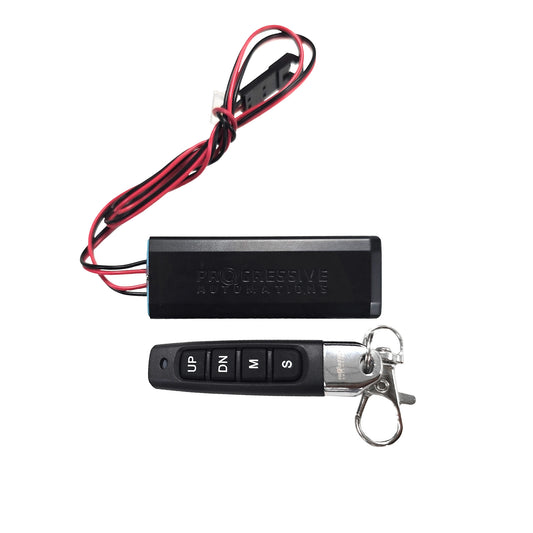
12 VDC Besturingskast - 1 kanaal - 20A - Draadloze afstandsbediening
Model PA-31$92.99 USD$74.99 USD -
Last Chance
12 VDC besturingskast - 1 kanaal - 20A - IP65 - Draadloze afstandsbediening
Model PA-33$112.99 USD$90.99 USD -
-
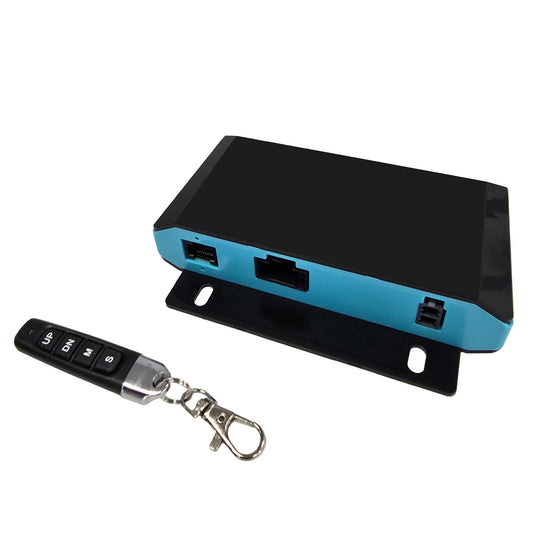
24 VDC - 2-Sync Hall-effect besturingskast met voorinstellingen
Model FLTCON-2-24VDC$146.99 USD
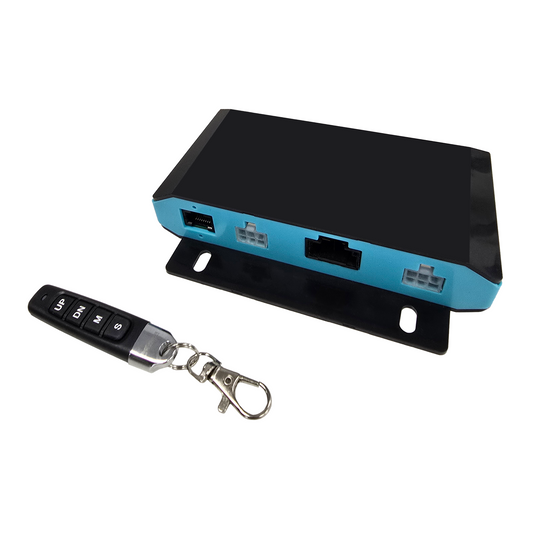

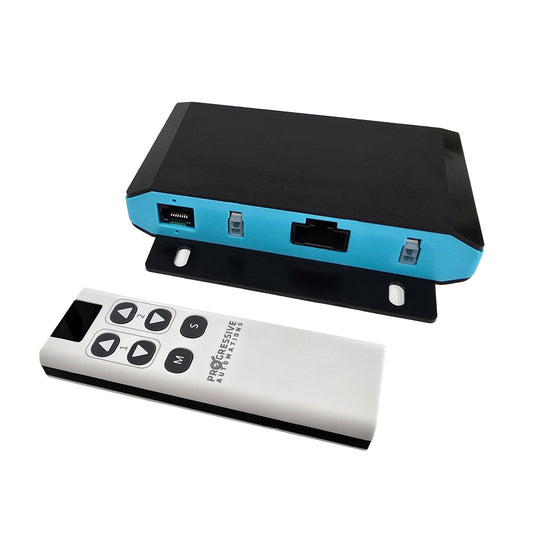
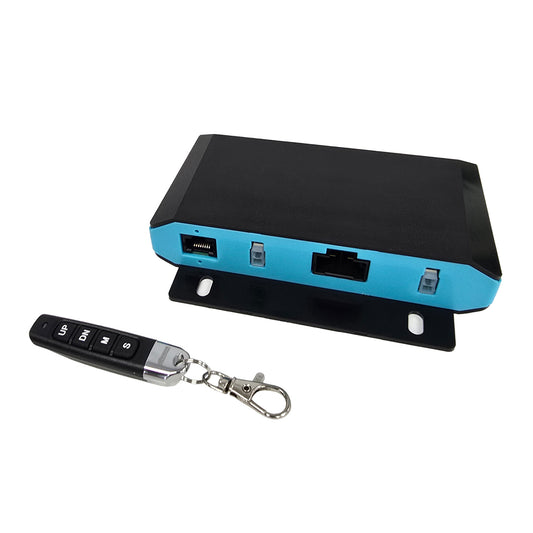
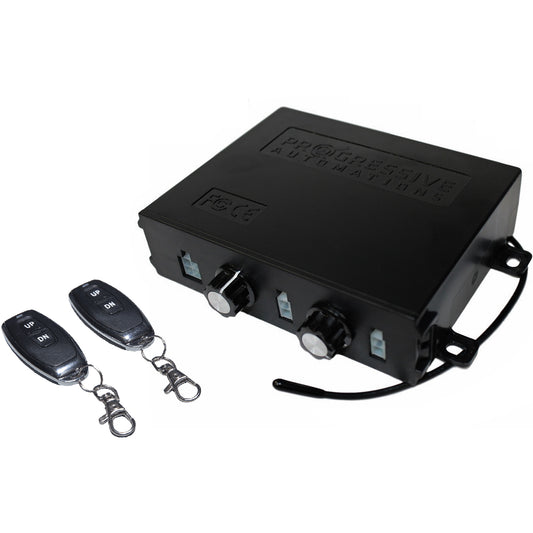

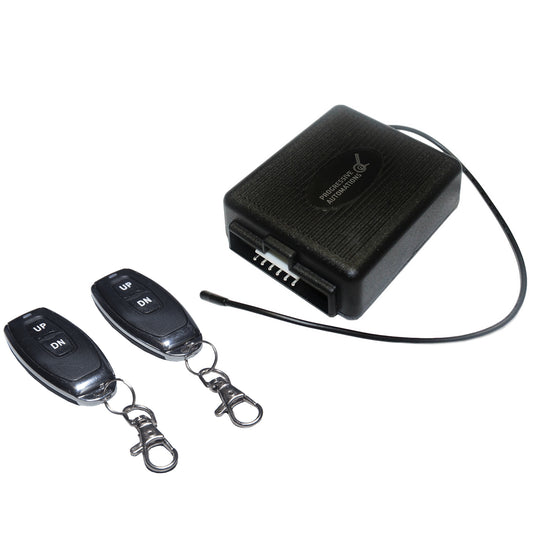
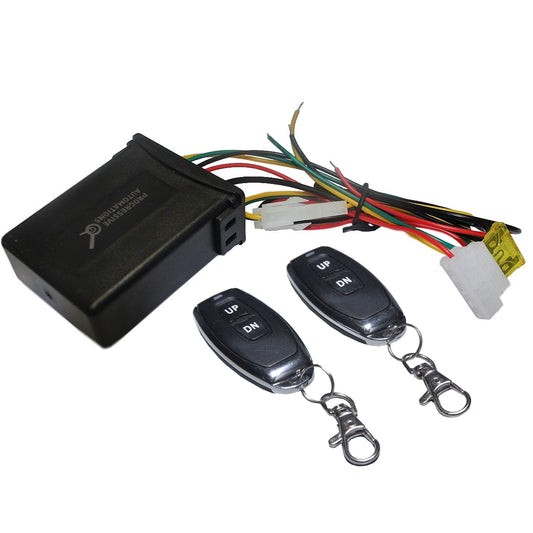
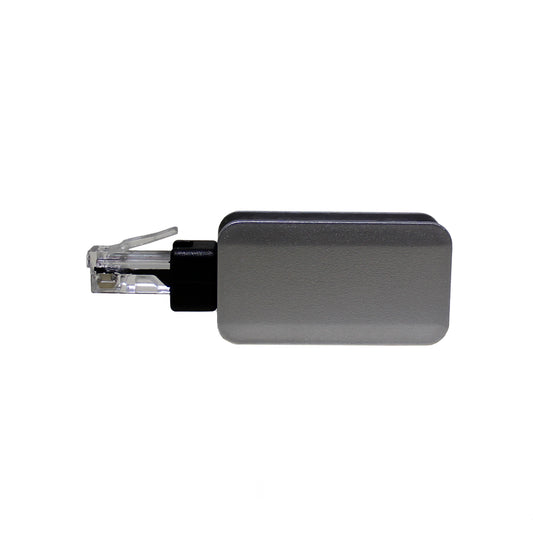

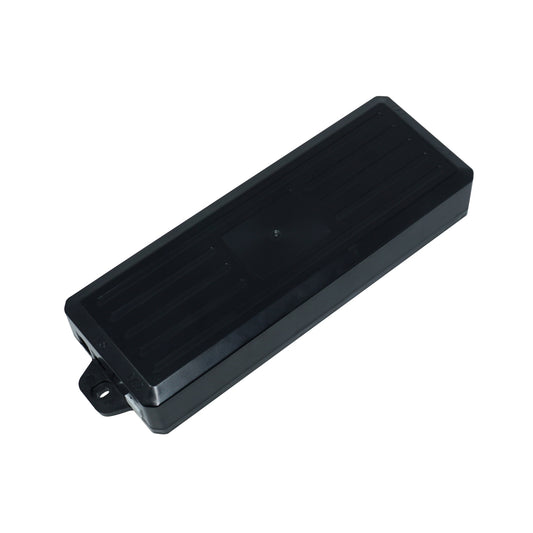
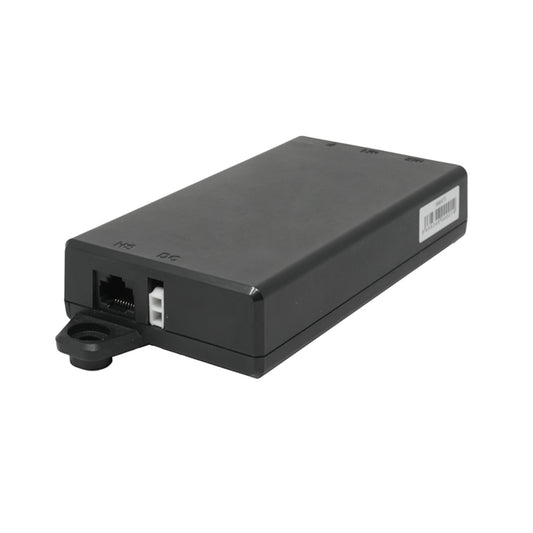
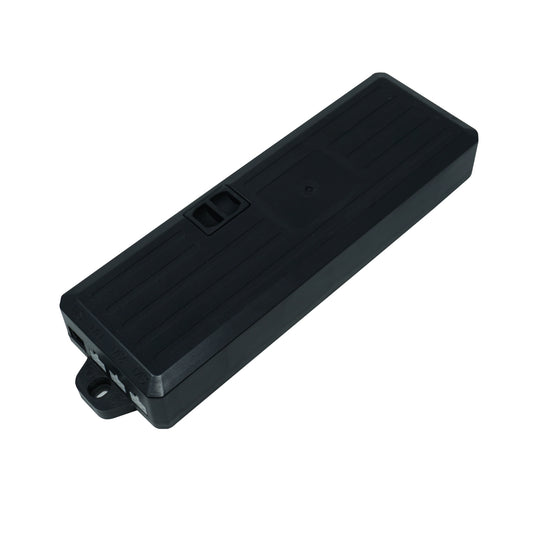
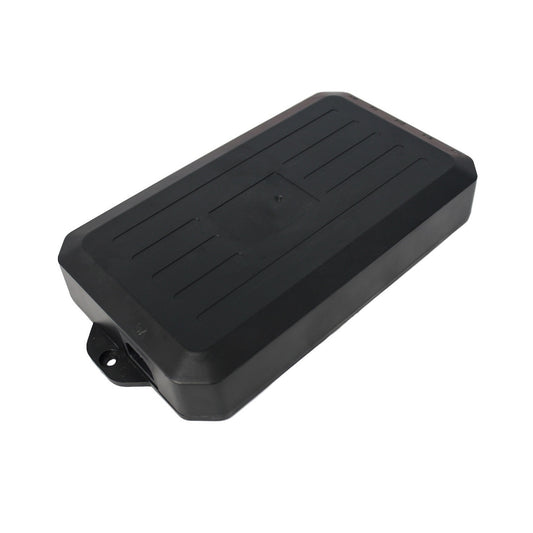
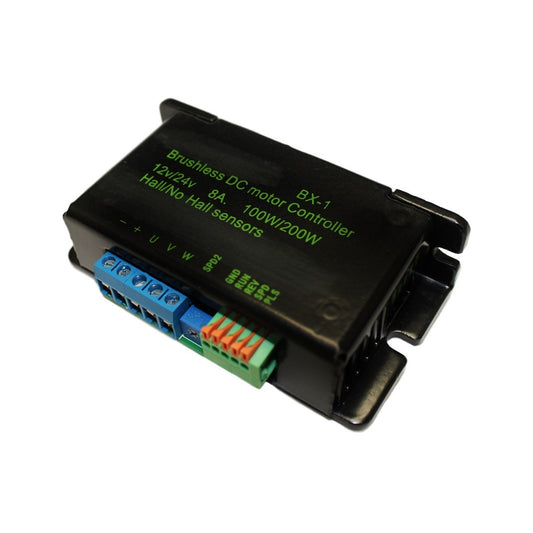
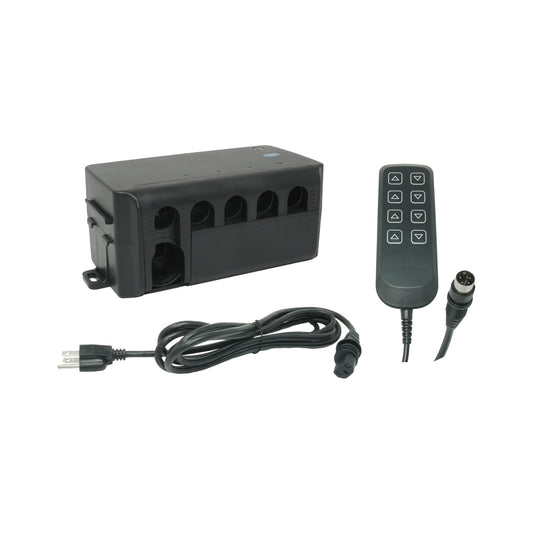

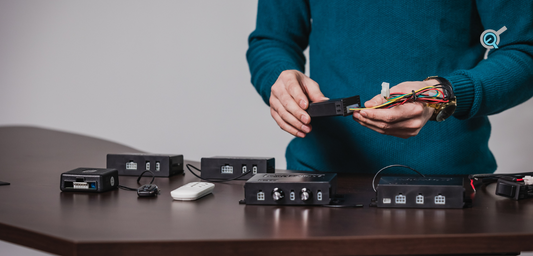
Ons assortiment actuatorbesturingskasten is divers en ontworpen voor uiteenlopende toepassingen! Van configuraties met één kanaal tot meervouden van twee, drie en vier—u heeft ruime keuze voor uw project. We hebben onze besturingskasten ontworpen om te koppelen met de lineaire-actuatortechnologie waarin we na jaren in de industrie expert zijn geworden. Naast het aanbod aan slimme functies, spanningscompatibiliteit en terugkoppelingsopties zijn onze actuatorbesturingskasten ook plug-and-play. We wilden dat dit assortiment de behoeften van onze klanten weerspiegelt en we blijven met elke nieuwe toepassing voortdurend evolueren!
Onze besturingskasten voor lineaire actuators kunnen tegelijkertijd met meerdere afstandsbedieningen in verschillende varianten worden gekoppeld, zodat gebruikers kunnen kiezen voor bedrade of RF‑actuatorbesturing en zelfs Bluetooth‑actuatorbesturing. Selecteer uit ons grote assortiment afstandsbedieningsopties en profiteer van alle unieke functies van onze verschillende programmeerbare bedrade afstandsbedieningen, die samen met draadloze afstandsbedieningen en/of een Bluetooth‑dongle kunnen worden gebruikt voor handige mobiele app‑actuatorbesturing.
Ons assortiment besturingskasten voor lineaire actuators is divers—we bieden verschillende opties voor spannings- en terugkoppelingscompatibiliteit, naast uiteenlopende slimme functies die voor elke toepassing geschikt zijn. Onze actuatorbesturingskasten zijn bijzonder nuttig voor grootschalige projecten: ze kunnen tot vier actuators tegelijk aan en worden dankzij deze capaciteit en veiligheidsfuncties zoals overstroombeveiliging en anticollisiesensoren vaak gebruikt in productieomgevingen. Of u nu op zoek bent naar dit type krachtige oplossing of naar eenvoudige actuatorcontrollers met één kanaal—ons assortiment biedt uitkomst!

Van enkelkanaalsuitgangen tot meervouden van twee, drie en vier—kies uit een breed scala aan opties om de perfecte combinatie voor uw volgende project te verkrijgen. Onze actuatorbesturingskasten kunnen, in combinatie met onze afstandsbedieningen, tussen 1 en 4 lineaire actuators of hefkolommen aansturen binnen één enkel besturingssysteem.
We bieden een breed scala aan afstandsbedieningsopties, zodat gebruikers kunnen profiteren van alle unieke functies van onze verschillende programmeerbare bedrade afstandsbedieningen, die ook samen met draadloze afstandsbedieningen en/of onze Bluetooth‑dongle kunnen worden gebruikt voor extra gemak.
Onze actuatorbesturingskasten hebben modellen die tot 25 A bij 12 VDC per kanaal aankunnen, om een breed scala aan toepassingen met hoge stroomafname te ondersteunen. In combinatie met hun veiligheidsfuncties, zoals uitgangskortsluiting, invoerspanning buiten bereik en bescherming tegen omgekeerde invoerspanning, werken deze actuatorbesturingskasten uitstekend in productieomgevingen!

Onze besturingskasten voor lineaire actuators zijn verkrijgbaar in vele varianten, zoals modellen met RF‑actuatorbesturing, mobiele app-/Bluetooth‑actuatorbesturing, ingebouwde actuatorsnelheidsregelaars, Hall‑effect‑synchronisatiemodules, enz.
Dit hangt af van de uitgangsspanning van de stroombron die u beschikbaar heeft en van de spanningswaarden van de actuator(en) of hefkolom(men) die u in uw toepassing gaat gebruiken. Kies een besturingskast met dezelfde uitgangsspanning als uw actuator of hefkolom, en met een ingangsspanning die overeenkomt met uw stroombron.
We bieden een verscheidenheid aan Hall‑effect‑synchronisatiemodules voor meerdere actuators, zoals de PA-41-, PA-CB40- en FLTCON‑series actuatorbesturingskasten met Hall‑effect.
Ja, we bieden modellen van actuatorbesturingskasten die kunnen worden gekoppeld met onze Bluetooth‑dongle voor Bluetooth-/mobiele app‑actuatorbesturing. De meeste van onze actuatorbesturingskasten kunnen ook tegelijkertijd met meerdere van onze draadloze RF‑actuatorcontroller-afstandsbedieningen worden gekoppeld.
Voor vragen over maatwerkproductie kunt u contact opnemen met ons klantenserviceteam via 1-800-676-6123 of sales@progressiveautomations.com. We helpen u graag met al uw vragen.
Voor maatwerkproductie of B2B-gerelateerde vragen kunt u contact opnemen met ons klantenserviceteam via 1-800-676-6123 of sales@progressiveautomations.com. We helpen u graag met al uw vragen.
We bieden actuatorbesturingssystemen die in Canada worden ontworpen en geassembleerd met hoogwaardige, wereldwijde componenten.
Vier uitgangen vormen het maximale aantal kanalen dat door één enkele besturingskast in ons assortiment wordt ondersteund.
Geselecteerde modellen van onze actuatorbesturingskasten kunnen app-integratie ondersteunen of de mogelijkheid hebben om te worden gekoppeld met onze Bluetooth‑dongle voor mobiele app‑actuatorbesturing.
Enkele belangrijke overwegingen zijn: nagaan of uw actuators een bepaald type terugkoppelingsvereiste hebben, spanningscompatibiliteit, stroomafname en ingaande connectoren, zodat uw gekozen actuatorbesturingskast hierbij past; controleer vervolgens of de uitgang van uw stroombron overeenkomt met de ingangsspanningsvereisten van uw actuatorbesturingskast.
Besturingskasten resources & gidsen
-
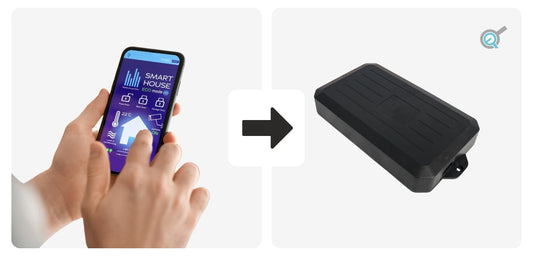
Compatibiliteit van de FLTCON Control Box met domotica
Domotica verbetert het gemak, de veiligheid en de algehele efficiëntie van talloze huishoudens do...
-
Gids voor besturingssystemen voor elektrische lineaire actuatoren
Om het volledige potentieel van elektrische lineaire actuators te benutten, is het essentieel om ...
-
Maak kennis met de PA-CB31 en PA-CB40 actuator-besturingskasten
We zijn verheugd de introductie aan te kondigen van twee nieuwe toevoegingen aan onze groeiende r...